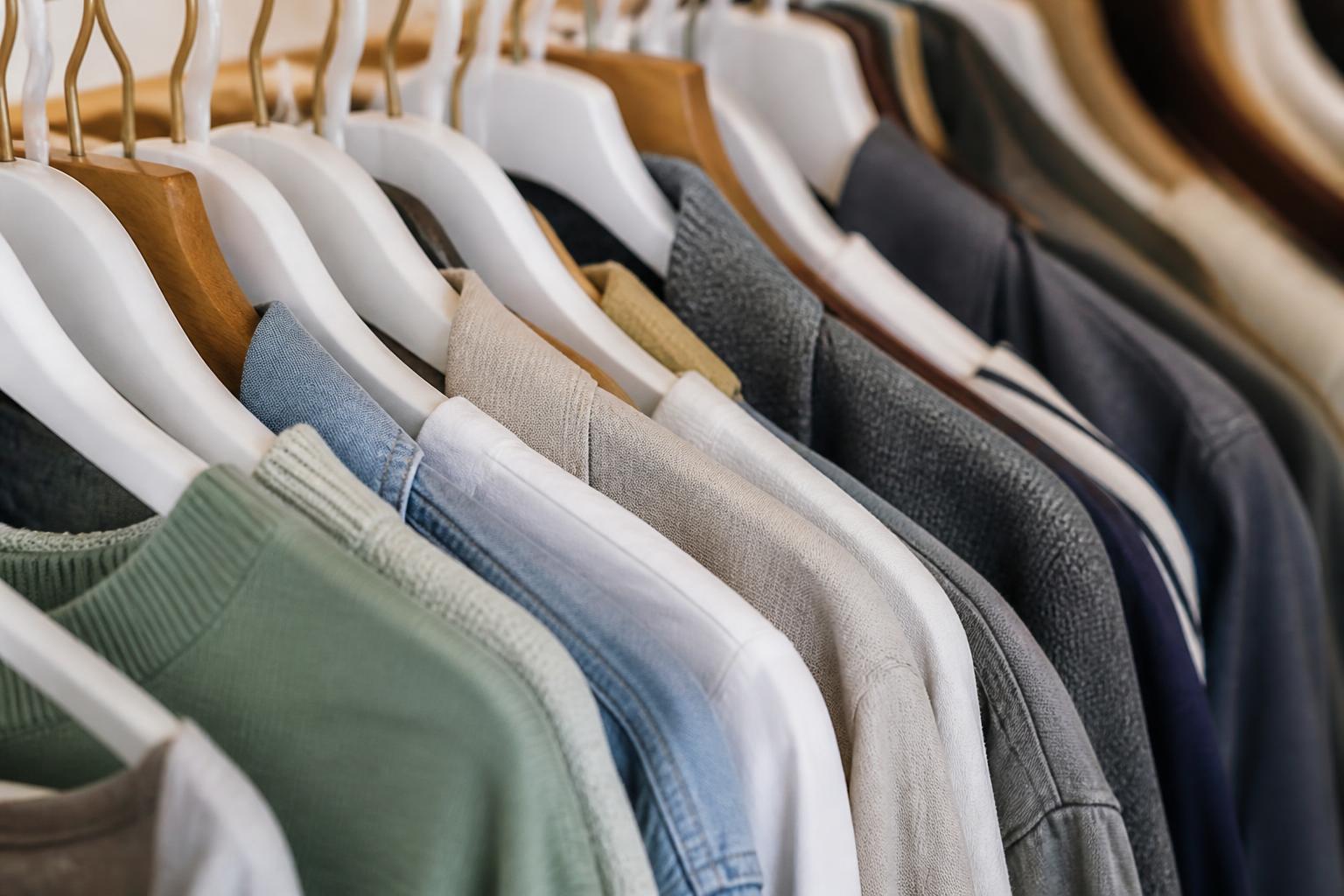
Department stores disappear from Shopping results for a simple reason. Google cannot work out what each product is really for, who it suits, and which search it should answer. When one feed mixes dresses, duvet covers, lunch boxes and storage hooks with the same vague title pattern, the same loose categorisation and patchy attributes, the catalogue starts to look interchangeable. Google then has less confidence in matching those items to a clear buying intent.
This is a common problem in Google Shopping for department stores because the catalogue is broad by design. A specialist shoe shop can get away with a rougher structure because most products live in one intent group. A department store cannot. If fashion, homeware and practical lines are not separated properly in the feed, they compete with each other, trigger the wrong searches, or fail to surface at all. The fix is not more products. It is cleaner feed logic.
What goes wrong when a department store feed looks like a muddle
A mixed catalogue usually breaks down in three places.
First, the product titles flatten different ranges into one style. We often see titles built from internal naming habits rather than search behaviour, such as “Premium Collection Soft Touch Large Blue” or “Essentials Modern Classic”. That may make sense to a merchandiser who knows the range. It tells Google very little. Is it a women’s jumper, a fitted sheet or a plastic storage tub?
Second, category signals are too broad or contradictory. A product may sit in the site navigation under “New In”, “Home”, and “Offers”, while the feed sends a generic category or no category at all. Google then has to infer product type from weak clues. That is risky for any retailer. It is worse for department stores because many terms overlap across departments. “Runner” could be a rug, a person’s shoe, or a table covering. “Slip” could be lingerie or a furniture cover. “Set” could mean bedding, pans, school supplies or babywear.
Third, attributes are inconsistent across ranges. Apparel needs size, gender, age group, colour and material handled cleanly. Home textiles need dimensions, material and pattern. Practical goods often need capacity, compatibility, pack size or intended room. If these are missing, stuffed into the wrong field, or written differently across variants, Google struggles to cluster products correctly and show the right one.
The result is not always a disapproval. More often, it is weaker visibility. Products remain eligible but do not win impressions on the searches that matter. If you are seeing impressions in Merchant diagnostics but poor traction in search, the issue is often feed clarity rather than a hard policy block. That is also why teams confuse the problem with seasonality or budget. The catalogue is live, but the matching is poor.
How to write product titles that separate ranges instead of blending them
For department stores, titles need a repeatable structure that changes by product family. Do not force one title formula across the whole catalogue.
A useful pattern is:
Brand + core product name + defining feature + key variant
But the “defining feature” must be different for each range.
For fashion, start with the garment type and the audience before style language. For example:
Brand Women’s Linen Shirt, Long Sleeve, White
That works better than:
Brand Summer Edit White Relaxed Fit
The second version may read nicely on-site, but it hides the item type too long. Google needs the product class early.
For homeware, lead with the object and practical specification:
Brand Duvet Cover Set, King Size, Cotton, Sage Green
Not:
Brand Sage Green Cotton Collection, King
Again, the issue is not elegance. It is recognition.
For practical goods, lead with function and format:
Brand Food Storage Container Set, 5 Pieces, BPA-Free, 1L
Not:
Brand Kitchen Essentials Set
The title should answer three questions quickly. What is it. What kind. Which variant.
A few rules help:
- Put the actual product type in the first half of the title.
- Keep range names and internal collection names later, unless shoppers genuinely search them.
- Use one clear colour term. Do not stack “stone / oatmeal / natural” unless those are separate options.
- Include size where size changes buying intent, such as apparel, bedding, rugs, cookware and storage.
- Avoid filler words like premium, luxury, elegant, quality, timeless, versatile.
- Do not repeat the brand unless the brand is also part of the model name.
If you sell the same material across very different departments, tie it to the item type. “Cotton” alone is weak. “Cotton bath towel” and “cotton pyjama set” are clear.
This matters especially in Google Shopping for department stores because many catalogue terms are shared across departments. “Black set” is meaningless. “Men’s black sock set” and “black non-stick pan set” are not.
A small team can usually fix titles in batches. Export products by top-level department, sort by current title pattern, and rewrite one family at a time. Start with the ranges that already have search demand and margin. If you need a process for reviewing search performance after changes, our guide on how to track SEO rankings without wasting time is a practical place to start, even though product feeds need their own checks as well.
Which categories and product types help Google place each item correctly
Titles are only one signal. Categories tell Google where an item belongs in the retail universe.
There are three layers to get right.
The first is the Google product category. This should be as specific as possible. “Apparel & Accessories” is rarely enough if the product is actually “Apparel & Accessories > Clothing > Shirts & Tops”. The same goes for home and practical lines. “Home & Garden” is too broad when the item is a bath mat, laundry basket or frying pan. Specificity helps Google map the product to the right comparison set.
The second is your internal product_type. This is for your own hierarchy, but Google still uses it as a contextual signal. Keep it human-readable and consistent. A structure like:
Women > Dresses > Midi Dresses Home > Bedding > Duvet Covers Kitchen > Food Storage > Containers
is more useful than:
New In > SS25 > Edit 3
Do not let promotional collections become the main taxonomy in the feed. Seasonal edits, gift guides and trend pages are good for merchandising. They are poor substitutes for product classification.
The third layer is your site collection structure. This matters because the landing page, breadcrumbs and on-page headings reinforce the feed. If the feed says “bath towel” and the page sits in a collection called “Cosy Living”, you lose clarity. Where possible, align page structure with feed structure.
For mixed catalogues, we recommend a category audit with a simple spreadsheet:
- SKU
- Current title
- Current Google product category
- Current product_type
- On-site category path
- Intended search intent
- Corrected category set
You will usually find three recurring errors.
One, products assigned to the nearest broad category because nobody chose a better one.
Two, products in “multi-use” categories that are technically possible but commercially wrong. For example, a bench with shoe storage may be classified as furniture when your real search demand is hallway storage.
Three, copy-and-paste category logic from one department to another. This is common when feeds are built in Shopify, WooCommerce on WordPress, Webflow, Ghost or a custom platform by someone who handled one range first and extended the same template everywhere.
The attributes that matter most in fashion, home and practical lines
Attributes do not need to be perfect everywhere at once. They do need to be reliable where they affect matching and variant selection.
For fashion, the main fields are usually:
- brand
- colour
- size
- gender
- age_group
- material
- pattern, where relevant
- condition
- item_group_id for variants
Size needs normalising. If one dress range uses “10”, another uses “S”, and another uses “Small”, that may be fine if the products genuinely use different sizing systems, but not if it is the same logic written three ways. Keep variant families under one item_group_id and make each variant distinct by size and colour. Do not create separate parent-like listings with near-identical titles.
For home lines, focus on:
- brand
- colour
- material
- size or dimensions
- pattern
- condition
- item_group_id where variants exist
Dimensions often matter more than style descriptors. A rug, fitted sheet or curtain without clear measurements is harder for Google to match to a precise search. If dimensions are central, include them in both the structured fields where available and the title.
For practical goods, the key attributes vary more, but common ones are:
- brand
- colour, if relevant
- material
- size or capacity
- multipack or unit count
- compatibility or fit, where relevant
- condition
- bundle indicators, where applicable
Condition must be accurate across all departments. New, refurbished and used are not interchangeable. That sounds obvious, but marketplaces, returns stock and clearance integrations can muddy this quickly.
Variant data is where many department stores lose ground. If you have one product in six colours and four sizes, do not submit 24 loosely named items with no shared group. Use a consistent item_group_id and stable variant attributes. Google is better at understanding a coherent family than a pile of lookalikes.
Brand also needs discipline. If own-label products are submitted under several near-identical brand names, visibility fragments. Decide what the customer-facing brand is and use it consistently.
How to stop similar products cannibalising each other across the catalogue
Cannibalisation in merchant listings is not just an SEO problem. It happens when several products could answer the same search and your feed gives Google no reason to prefer the right one.
This often shows up in four scenarios.
The first is duplicate listings created by colourways, pack sizes or mirrored collections. If the same mug appears in “Dining”, “Gifts” and “New In” with separate URLs or feed entries, you are asking Google to choose between your own duplicates. Pick one canonical sellable product page. Let collections support discovery on-site, not create separate merchant entries.
The second is bundles versus single items. If you sell a towel individually and as a bathroom set, both can be valid, but they need clear differentiation. The title, description and attributes must say whether the listing is one item or a bundle. Do not rely on the image alone. “Bath Towel, Cotton, Grey” and “Bathroom Towel Set, 4 Pieces, Cotton, Grey” are distinct. “Grey Cotton Towel Collection” for both is not.
The third is multi-use products. A storage basket might suit laundry, toys or shelving. A throw might be sold for beds and sofas. Here, judgement matters. Choose the primary buying intent based on how people actually search and buy. Do not try to make one listing rank for every room in the house by stuffing all use cases into the title. Put the primary use in the title. Support secondary uses in the description and page copy.
The fourth is near-identical products split by minor merchandising differences. For example, the same white shirt under “workwear”, “essentials” and “occasionwear”. These are not separate products. They are one product in several collections.
If Search Console shows impressions but poor clicks on product queries, the problem may be weak differentiation rather than weak demand. We cover that diagnosis in more detail in Search Console impressions but no clicks - what to fix first.
For agencies handling broad retail catalogues, this is where process matters most. You need one owner for feed rules, one source of truth for variant logic, and a regular check for duplicate URLs and overlapping product records. If you manage this across several languages or markets, our notes on reporting SEO clearly across different languages can help keep the review practical.
How to check whether feed fixes are working in real searches
Do not judge feed changes by one metric.
Start in Merchant diagnostics. Check for disapprovals, warnings, missing recommended attributes and sudden changes in eligible products. This tells you whether Google can process the feed as intended. It does not tell you whether matching has improved.
Then use Search Console. Look at product page queries and compare before and after by department. You are looking for changes in the kinds of searches each range surfaces for. After title and category fixes, fashion pages should begin attracting more garment-specific queries. Home pages should pick up object-and-size queries. Practical goods should show more function-led searches.
Manual checks still matter. Use a clean browser, neutral location settings where possible, and search the terms each range should answer. Not just brand terms. Generic terms too. Check whether the surfaced product is the right one from your own catalogue. If Google shows the wrong variant, the wrong department, or no result at all, go back to the feed.
A simple review routine for a small team looks like this:
Weekly:
- Merchant diagnostics review
- Check newly added products for title and category compliance
- Spot-check top sellers in live search
Monthly:
- Search Console query review by department
- Review products with impressions but weak clicks
- Audit duplicate URLs, duplicate titles and broken variant groups
Quarterly:
- Revisit taxonomy
- Retire outdated collection labels from feed logic
- Check whether seasonal ranges are inheriting the right attribute templates
What counts as success is not just more impressions. It is cleaner impressions. If bedding starts showing for bedding searches, and not for unrelated apparel terms, that is progress. If kitchen storage stops competing with home decor for the same vague phrases, that is progress too.
For businesses without an in-house SEO team, the practical challenge is consistency. Feed fixes are rarely hard in isolation. They fail because nobody checks them after the next import, platform update or merchandising change. That is exactly why we built Seonis to run repeated checks, publish in the site’s own language, and report clearly in the owner’s language. We do not replace feed management inside Google Merchant Center, but we do help small teams see what search visibility is doing over time, including where category-specific pages and product intent start to drift. If you want to see how we structure that work, you can review our pricing, backlink credits and plan options or, if you run campaigns for retailers, our partner programme for agencies.
Mixed catalogues do not vanish because Google dislikes broad retailers. They vanish because broad retailers need stronger structure than specialists. When titles, categories and attributes tell a consistent story, each range gets a fair chance to surface for its own intent. That is the difference between a catalogue that looks rich to a buyer and one that looks like a muddle to Google.